◉HawDB under the hood⌘Cypher + PostgreSQL SQL▣A native Rust desktop app↗Apache-2.0, always open
A STORY OF EXPLORATION
Always searching for the hidden connections.
The history of exploring the unknown is also a history of following traces.
01 / TracksTRACKS → A PATH
01THE ANCIENT WILDERNESS
Hunters followed tracks.
In a wilderness without maps, hunters read footprints in the soil, broken branches, and traces left by animals.
One footprint tells little. Connected to the next, those traces reveal a path — where an animal has been, and where it might go.
Connect the tracks. A direction begins to emerge.
02 / MoonlightMOONLIGHT → A WAY
02ANCIENT EGYPT
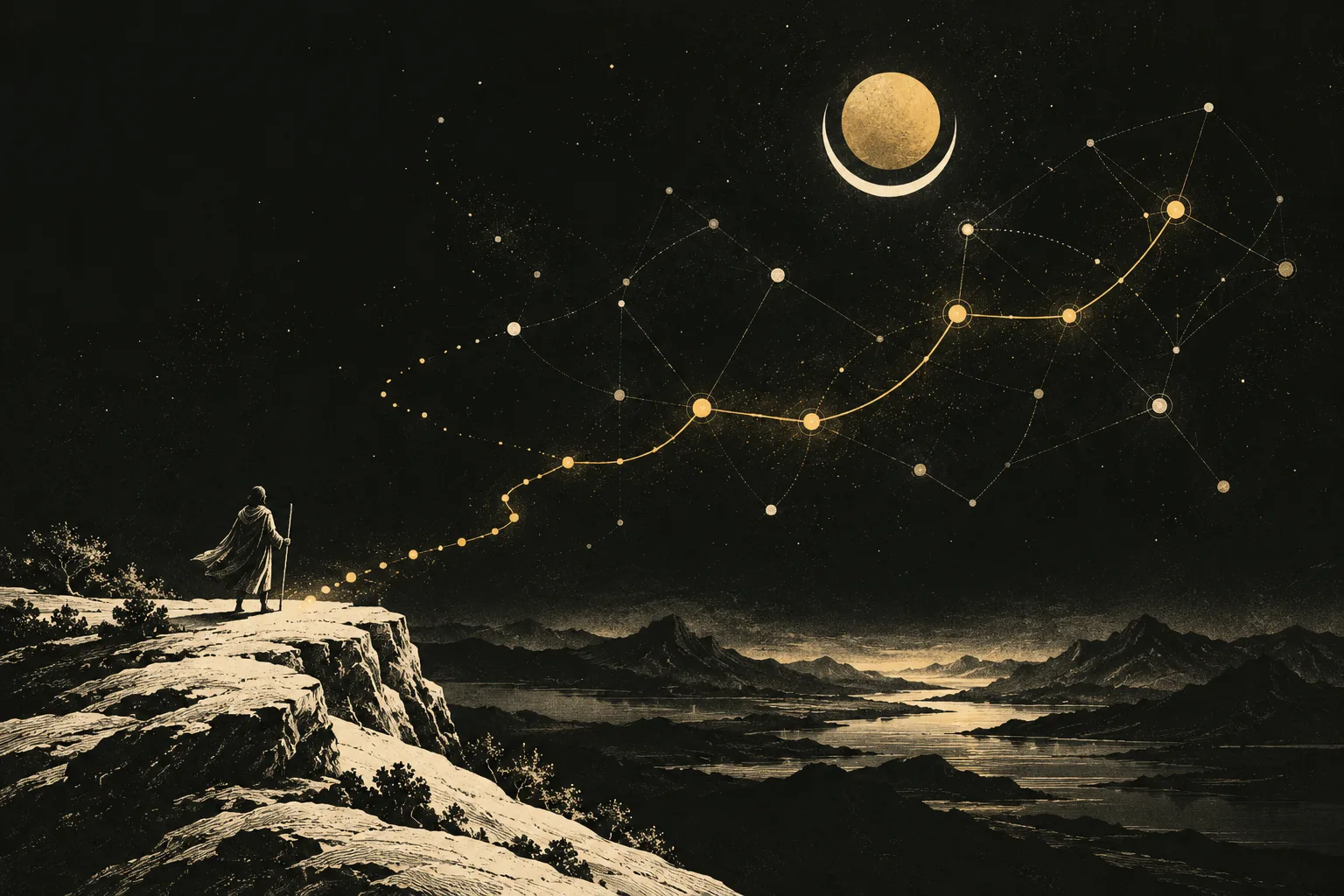
Travelers looked to the moon.
In ancient Egyptian mythology, Khonsu is the god of the moon, travel, and protection. His name means “traveler,” evoking the moon’s journey across the night sky.
When the sun sets, moonlight shows travelers a way through the darkness.
Darkness does not mean there is no path. Only that the path is yet to be found.
03 / StarsSTARS → A CHART
03THE AGE OF EXPLORATION
Explorers followed the stars.
Seeking spices and sea routes to the East, navigators sailed into unknown waters.
They read the positions of stars alongside winds, currents, and voyage records to find their bearings on the open ocean.
A lone star is a point of light. Connected, stars become a chart to navigate by.
04 / ConnectionsSIGNALS → A STORY
04TODAY
We follow digital traces.
Today, threat hunters follow traces through the digital world. Its darkness hides in vast amounts of data.
Security analysts reconstruct attacks from logs. SREs trace service dependencies to locate root causes and understand their impact. Auditors follow transactions and entity relationships to uncover anomalies and risk.
Seemingly unrelated events, assets, and identities reveal their story through their connections.
From tracks in the wilderness to charts of the night sky and networks of digital relationships, we have always been doing the same thing:
Connecting clues. Finding the truth.
✦
This is KhonsuGraph. Built for Hunters.
An open-source, local-first graph investigation workbench for security, infrastructure, and beyond. Make complex relationships visible, and hidden problems traceable.
A hunter isn’t only a threat hunter. It’s anyone who finds problems by following clues and connections.
Threat hunters
Trace attack paths and threats.
SREs
Trace root causes and dependencies.
Fraud investigators
Trace anomalous transactions and hidden links.
Researchers
Explore patterns in complex networks.
KhonsuGraph — Built for Hunters. 为猎手而造。
FROM DATA TO UNDERSTANDING
A clearer picture. One relationship at a time.
Bring your data in, ask a precise question, and follow the connections that explain the answer.
01↳
Connect your sources
Import nodes and relationships from CSV, sync AWS resources, or write a plugin for your own system.
Let an agent inspect the schema, query the graph, and write a dashboard. You review the result in the desktop app, comment on a plot, and watch the file update.
KhonsuGraph is a free, open-source desktop workbench for local HawDB graphs. It combines Cypher and PostgreSQL-dialect SQL queries, a graph canvas, data-source plugins, and plain-text dashboards.
Does my graph leave my machine?+
Graph storage and queries stay on your computer. Source plugins can contact the systems you configure, such as AWS. If you use an external AI agent, its own data and privacy settings apply.
Which platforms are supported?+
The project has release packaging for Apple silicon macOS and 64-bit Windows. Check GitHub Releases for available packages. Windows packages are unsigned; the latest engine upgrade was validated on macOS.
Is this an official HawDB product?+
No. KhonsuGraph is an independent project built on HawDB. It is free and open source under the Apache-2.0 license.
Can I use any Cypher query?+
KhonsuGraph uses HawDB’s supported Cypher syntax, which differs from other graph databases. See the query guide for supported patterns and current limitations.
 Khonsu